


 Omjoy Ganesh, PhD, PharmD
 What is a Run Chart?
In quality improvement, it’s essential to know if the changes you’re making are actually leading to improvement. A run chart is a simple yet powerful tool that helps you do just that. It is a line graph that plots data points over time, providing a dynamic view of performance rather than a static snapshot. This allows your team to visualize trends, shifts, and patterns in a process or outcome.
The true strength of a run chart is its ability to help you distinguish between normal, random variation and significant, non-random change caused by your interventions. By plotting a measure—like weekly patient falls—the chart provides a clear visual feedback loop. The addition of a median line acts as a stable reference point, making it easier to spot trends that signal a real improvement or a problem that needs attention, empowering your team to make data-driven decisions.
Resources
The resources below offer step-by-step guides and tools to help you create and effectively use run charts for your quality improvement projects. Start with the videos to understand the concepts, then use the downloadable file to build your own.
Understanding Run Charts
This video introduces the run chart as a foundational quality improvement tool. Learn how it displays data over time to distinguish between random variation and meaningful change, helping you track the impact of your interventions.
Constructing a Run Chart
Learn the straightforward steps to building your first run chart. This guide covers setting up your axes, plotting data, and adding a median line to help you identify significant shifts and trends in your process.
Getting Started with Run Charts: A Few Tips
Discover practical tips for making your run charts a success. This video explains how to engage your team, use real-time data, and tell a compelling story with your chart to maintain momentum on your project.
DIY Run Chart Tool
Use this tool to create your own run charts for the quality measures your site is tracking.
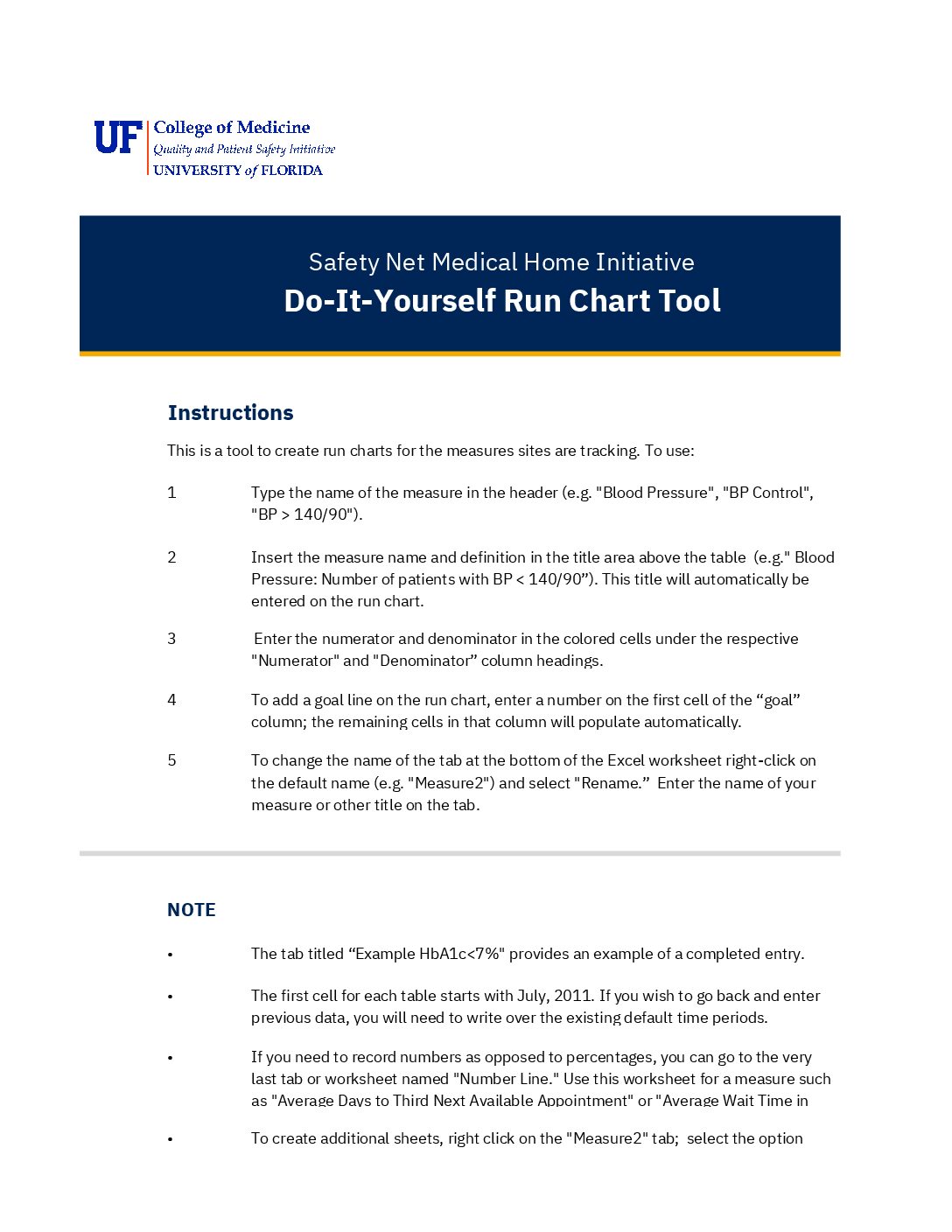
Download the DIY Run Chart Tool
This downloadable Excel tool provides a simple, structured way to build your own run charts. It includes:
- Tips for copying your charts into presentations to share with your team and leadership.
- Instructions for entering your measure name, definition, numerator, and denominator to automatically generate a graph.
- An example tab showing a completed chart for reference.
- A separate worksheet for tracking raw numbers (like average wait times) instead of percentages.